

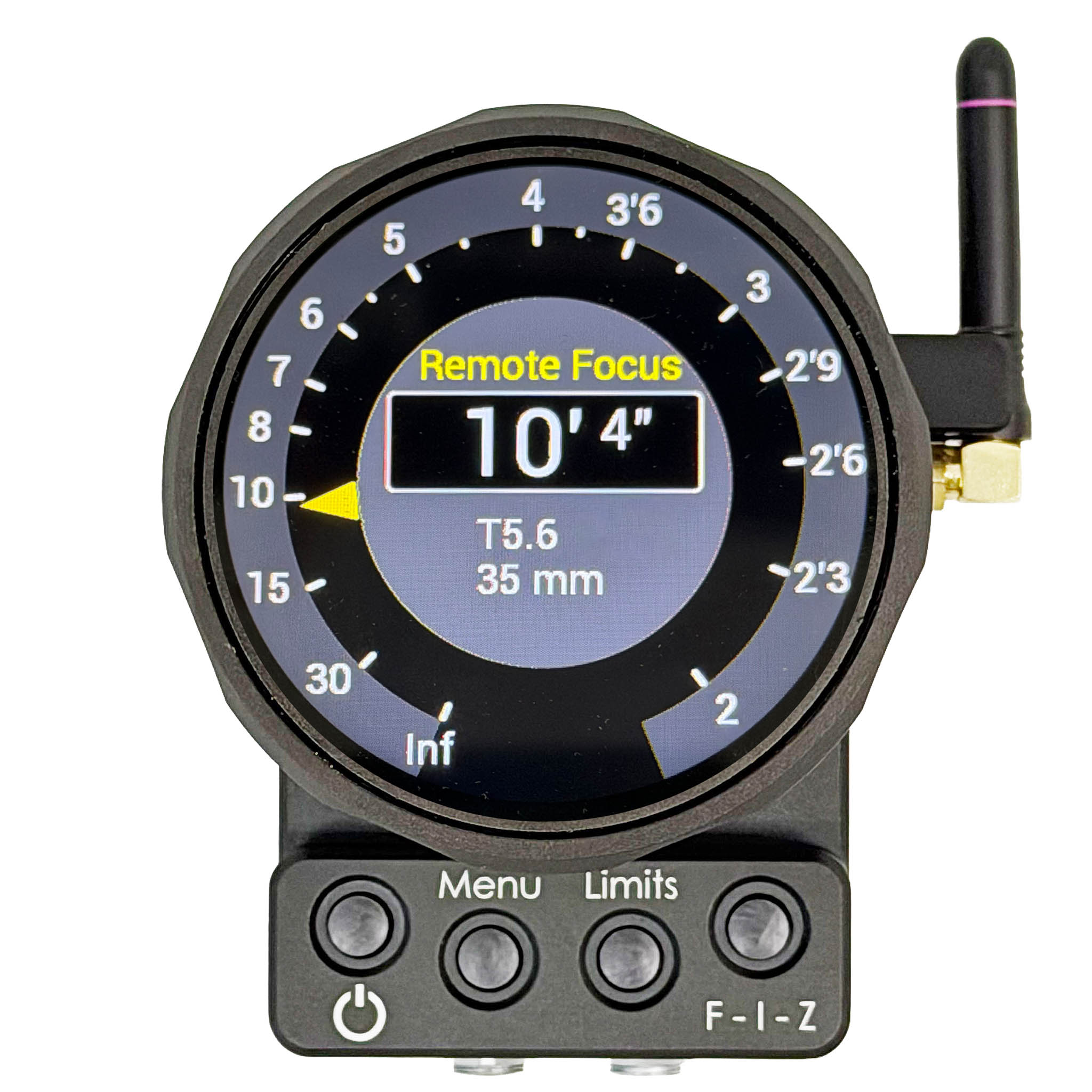
At BSC Expo London on Feb. 12-14, Preston Cinema Systems is exhibiting their new prototype ALC—Anywhere Lens Control.
As the ALC name suggests, it controls the lens and displays real-time settings for the Cinematographer, Camera Operator, DIT or Camera Assistant no matter where they roam (Anywhere) on set.
The ALC sets Focus, Iris or Zoom with its large knob. The circular display inside the knob shows current lens settings. The scale, which wraps around the circumference, can cycle through Focus, Iris and Zoom by tapping the F-I-Z button on the front.
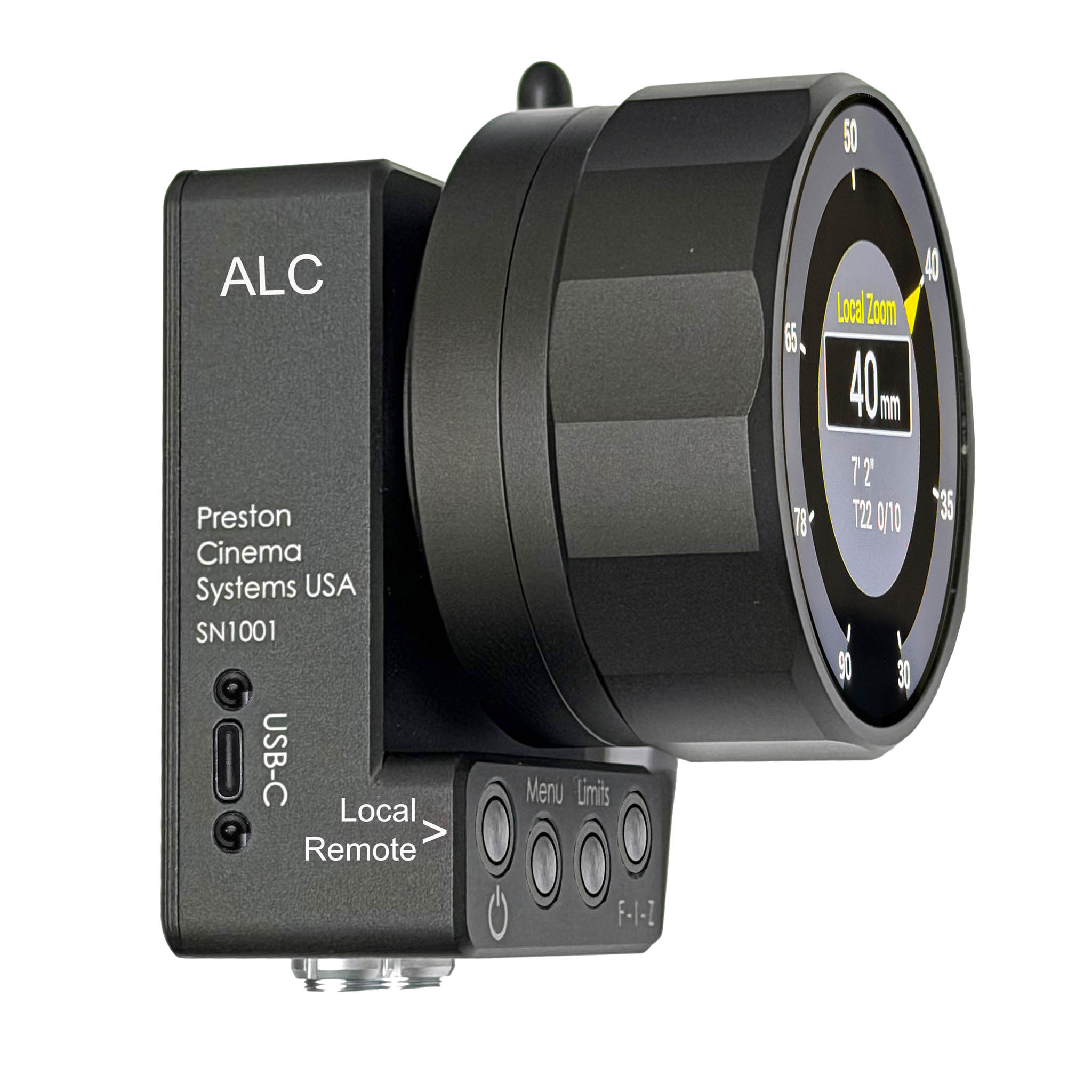
There are two modes of operation—switched by a short tap on the power button.
In Remote Mode, the lens is controlled by the Preston Hand Unit HU4 and the display shows the current settings.
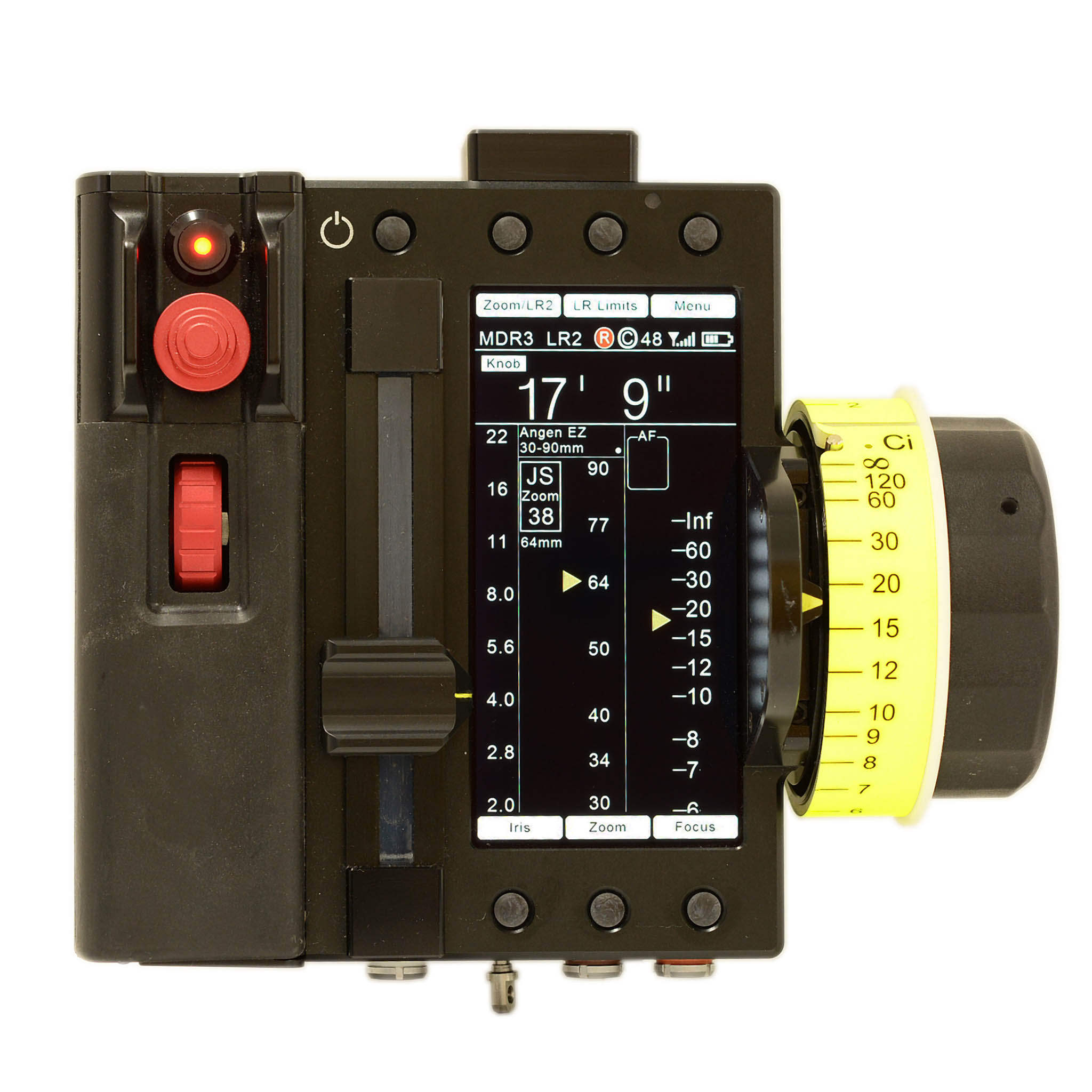
Preston Hand Unit HU-4
In Local Mode, the knob takes over the current Focus, Iris or Zoom selection. There is no jump when the ALC takes over from the Preston Hand UnitHU4.
To turn the ALC on, press the Power Button for a few seconds. The ALC defaults to Remote Mode, mirroring the Hand Unit’s settings.
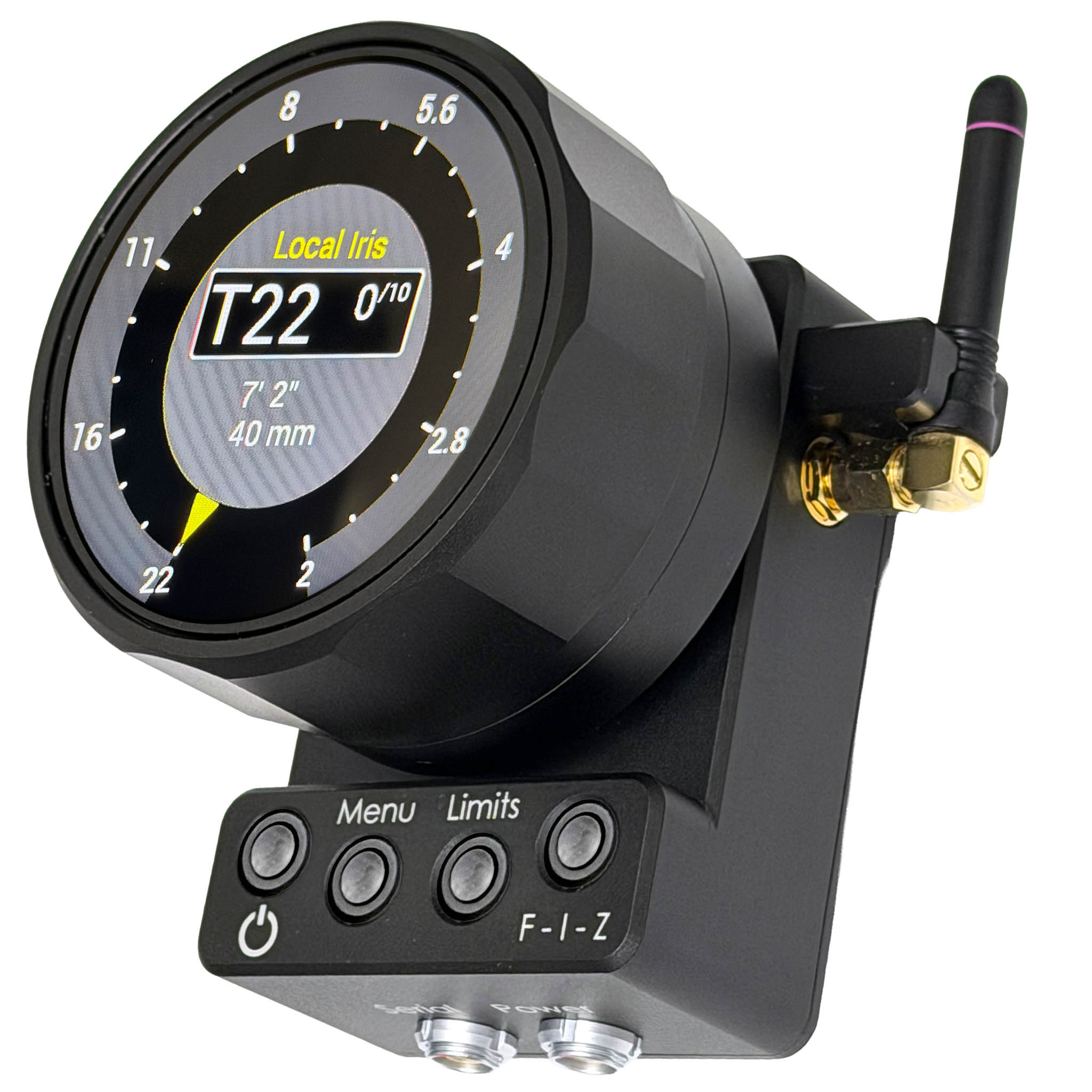
Tap the Power Button once to switch to Local Mode. Tap it again to switch back to Remote Mode, returning control to the Hand Unit.
Hold the Power Button for 5 seconds to power off.
The ALC communicates with the Preston motor driver (MDR3, MDR4 or MDR5) either through the 2.4GHz wireless link or the serial hardwire connection. A 3/8-16 ARRI type mounting point allows for a wide variety of bracket options.
Picture This: User Setups
1. It’s the most beautiful sunset the world has ever seen—scramble time to eke the most setups out of the rapidly waning light. The Cinematographer, sitting at a monitor on location, has been accustomed to having a second Hand Unit to imperceptibly adjust the Zoom to ease in on the actor’s best performance of a lifetime. But what if zoom control could be handed back and forth with the Camera Assistant when things get totally crazed?
2. The First AC has been listening to the DP’s headset instructions on setting Iris. Suddenly, in the middle of a critical take, the Director asks the Camera Operator to pan in directions previously unplanned. The DP asks the DIT to take control of the exposure chaos. Fortunately, the DIT has an ALC on the DIT cart, taps the Display/Control Button and takes control of the Iris. Since the ALC shows the precise T-Stop, the DIT no longer has to manually mark up rings.
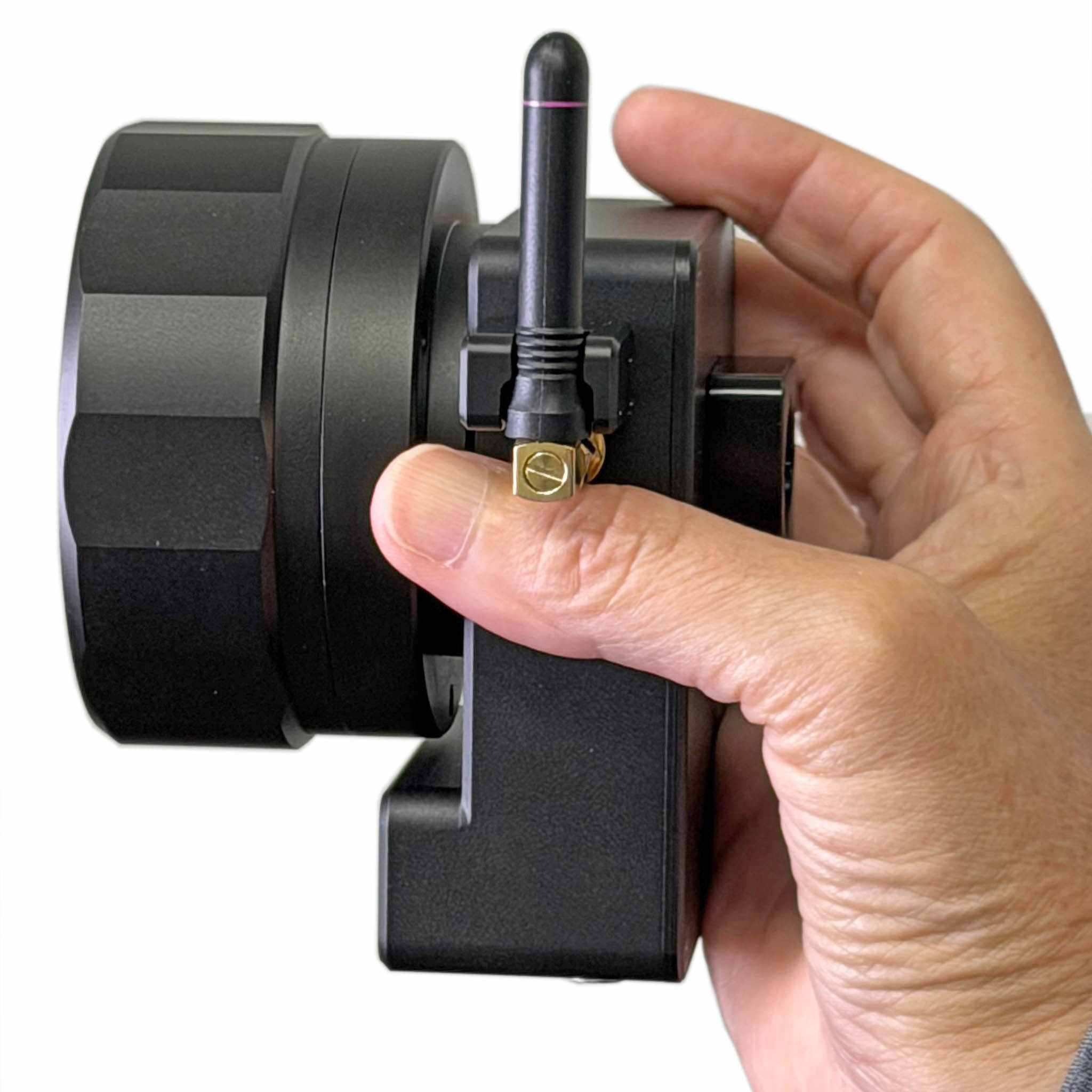
3. The Camera Operator is lining up the shot. It’s a crowded set with 360 degree continuous camera coverage. Maestro Focus Puller is hidden away, out of sight, in a tiny closet with a Light Ranger-equipped monitor. It’s been a very stressful morning, with too many greasy craft-service donuts consumed and nature calls. Previously, the Camera Operator would have a difficult time adjusting lens settings with the Hand Unit far away. Now, with the ALC attached to the camera’s 19mm rods, control is temporarily taken by the Operator and restored once the Assistant returns, refreshed.
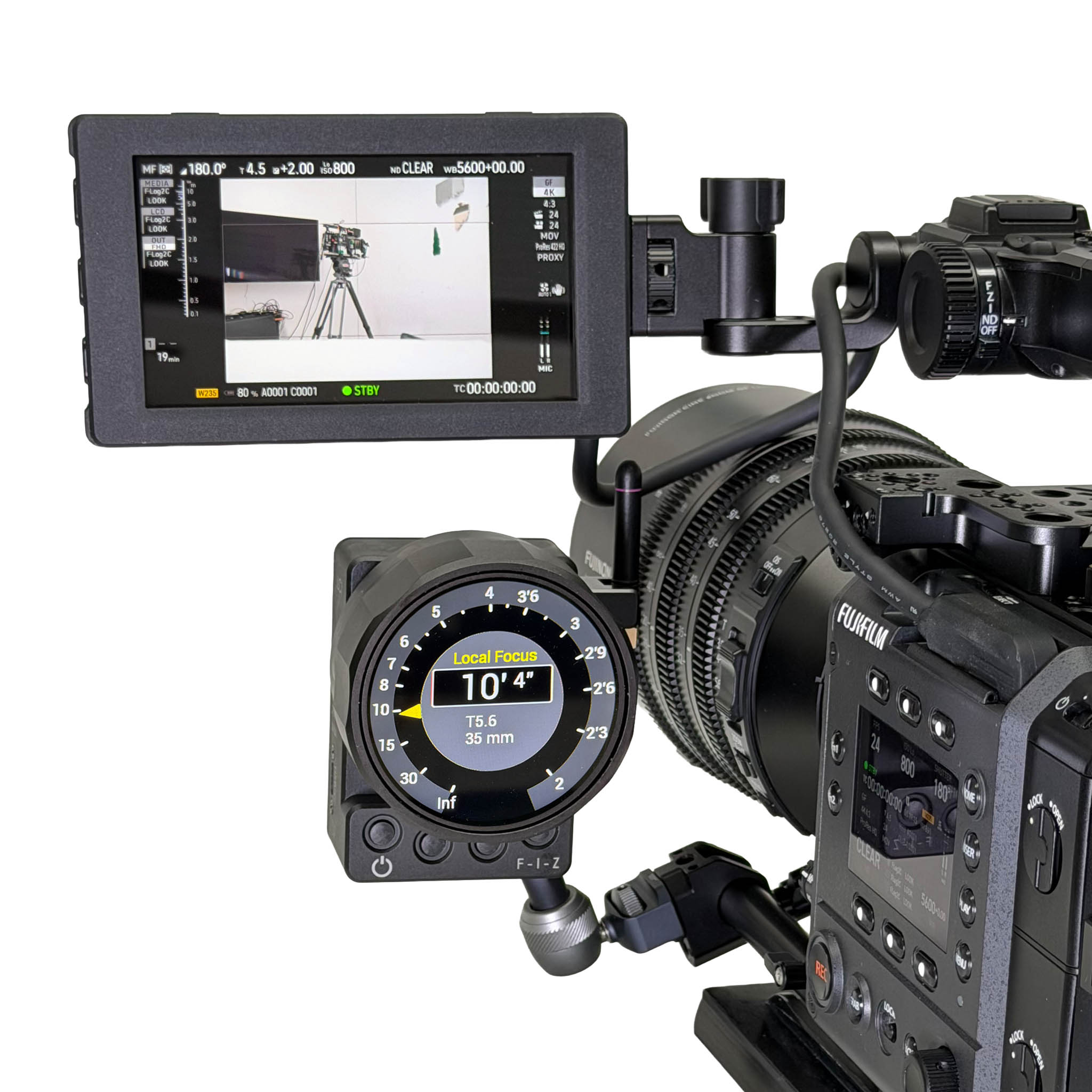
4. A less preposterous and more common example is for handheld camera work.
The DP is dancing, documentary-style, down a long and narrow corridor with the actor weaving through a crowd of extras who keep blocking the frame.
This is a challenge even for the world’s best focus puller. The DP gently taps the ALC Power Button to take control and focus by eye.
Once the extras clear frame, focus gets handed off back to the focus puller’s Hand Unit.
5. Certainly, many more scenarios and suggestions will be conjured up by camera crews visiting Preston Cinema and Optical Support at BSC Expo Stand # 305.








Will there be an option for a small screen for the display? The current configuration would make it so your hand covers the readout when turning the knob. As well, not having the classic orientation of the knob will limit your range of motion.